Present once.Every screen in the room,in every language.
cue is where your AI builds the deck: in your own Claude Code, Codex or ChatGPT. Once written, it is already on your phone and behind a link. From there your phone drives it onto any screen in the room, in each viewer's own language.
 Claude Code
 ChatGPT
 Cursor
 VS Code
 Gemini CLI
 WorkBuddy
 QwenWork
Same deck. Two screens. Two languages.
Two screens on stage, one per language. Tap Next on the phone and both move. Flip one to 中文 and they stay in step; turn on captions and each side of the room reads you in its own language.
Your agent writes it. cue does the rest.
You already build slides in code. Now they live somewhere.
Connect Claude Code, claude.ai, Codex, ChatGPT or WorkBuddy once. Then say “make me a cue deck.” Your agent writes real React, cue's gate keeps it honest, and the deck lands in your pocket instead of on localhost. Pull the source any time — it stays yours.
- Add cue to Claude Code.
claude mcp add --transport http cue https://cue.humanmeetsai.com/mcpPaste it in your terminal.
- Approve in the browser.
Claude Code opens cue in your browser — sign in or create your account, then Approve. That is the whole account setup.
First use opens a browser sign-in (run /mcp inside Claude Code if it doesn’t prompt). No token needed.
- Say it.
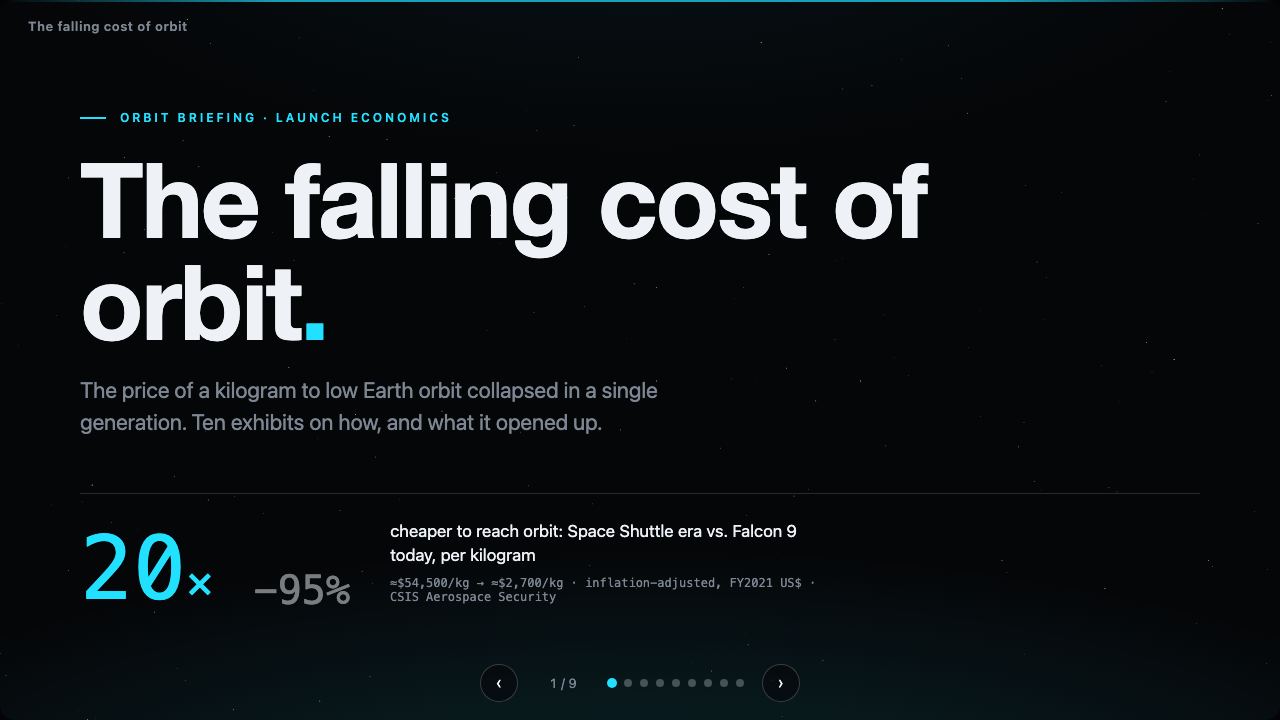
make me a cue deck about the falling cost of orbit, en + zhYour agent writes the deck; it lands on your home page and your phone the moment it exists.
- Teach it the craft.
Add the cue skill — deck conventions, motion, the intake questions — and your agent’s decks get markedly better.
- Paste it in your terminal.
mkdir -p ~/.claude/skills/cue-decks
curl -fsSL https://cue.humanmeetsai.com/cue-skill.md -o ~/.claude/skills/cue-decks/SKILL.md
Presentations are software, not slides.
Your decks in your pocket
The companion app holds every deck you or your agent ever made. Open it on the way into the room.
Take over any screen
Open cue.humanmeetsai.com/screen on any display, scan its QR from your phone, present. No file, no login on their machine.
Same deck, two languages
One deck exists in every language at once. Each screen and each viewer picks theirs. Live captions follow you, translated.
Real software, proven
Animation, live data, and a build gate every deck has to pass. What worked in rehearsal works in the room.
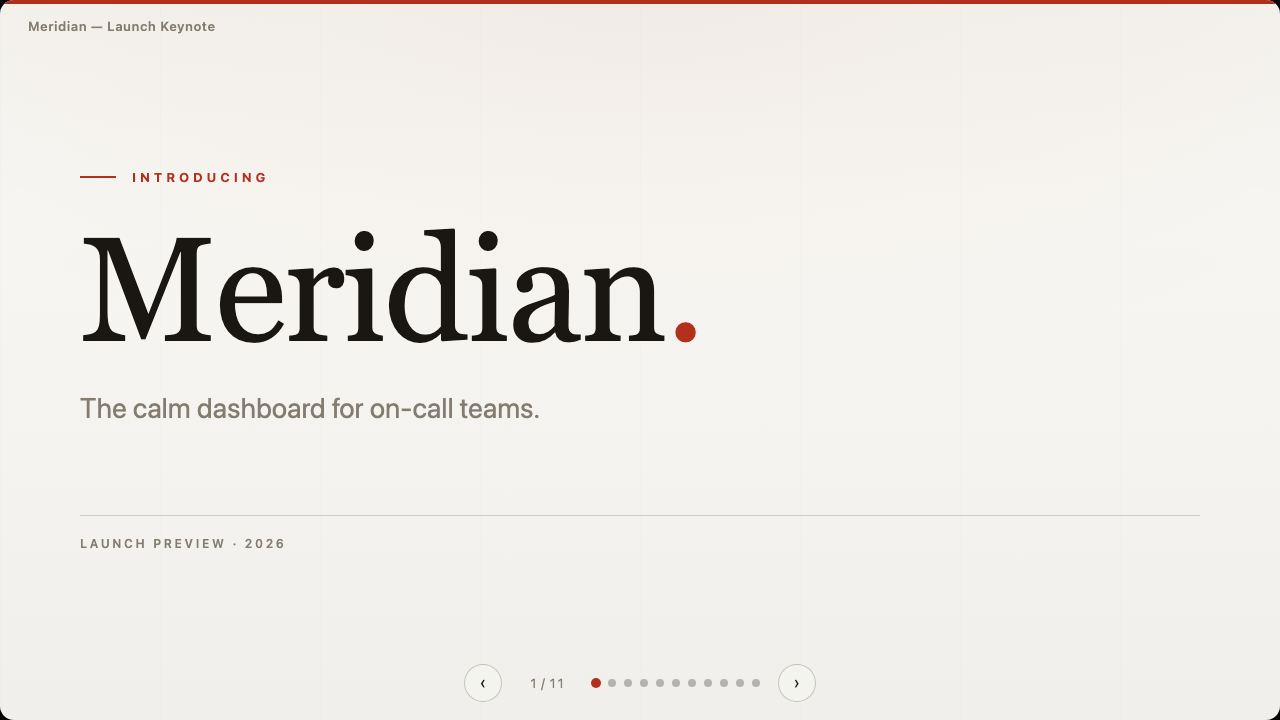
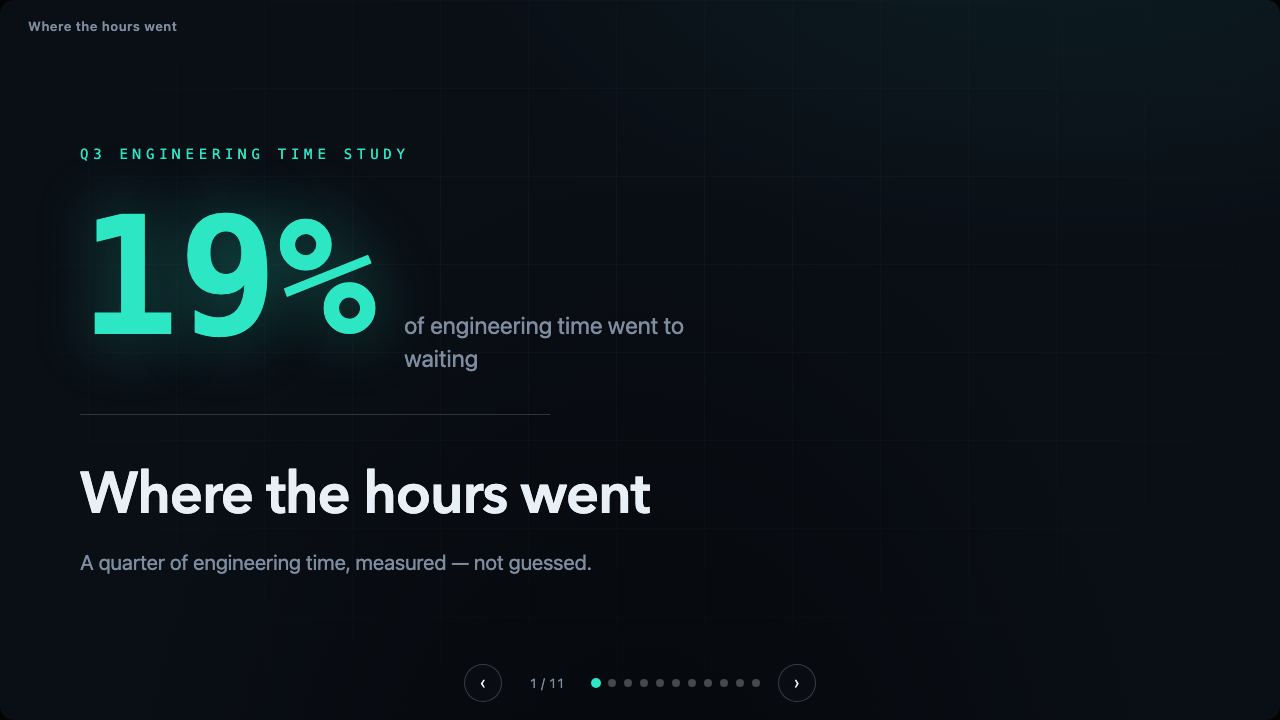
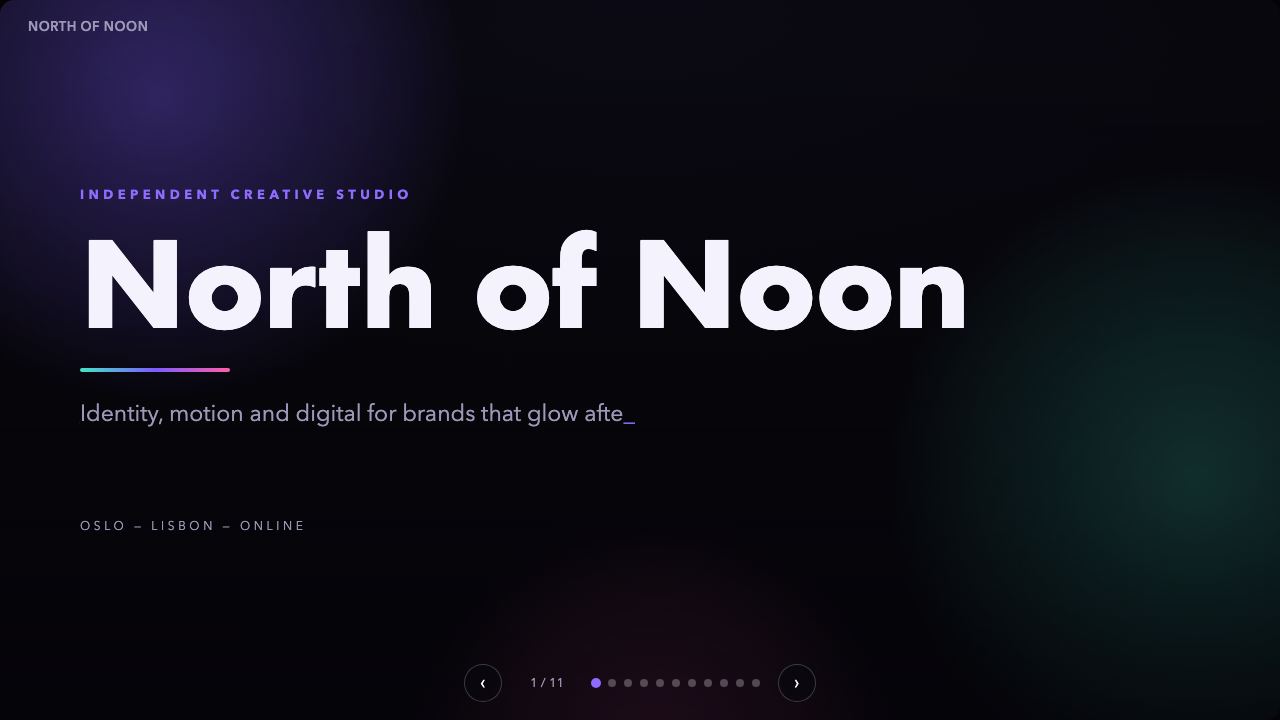
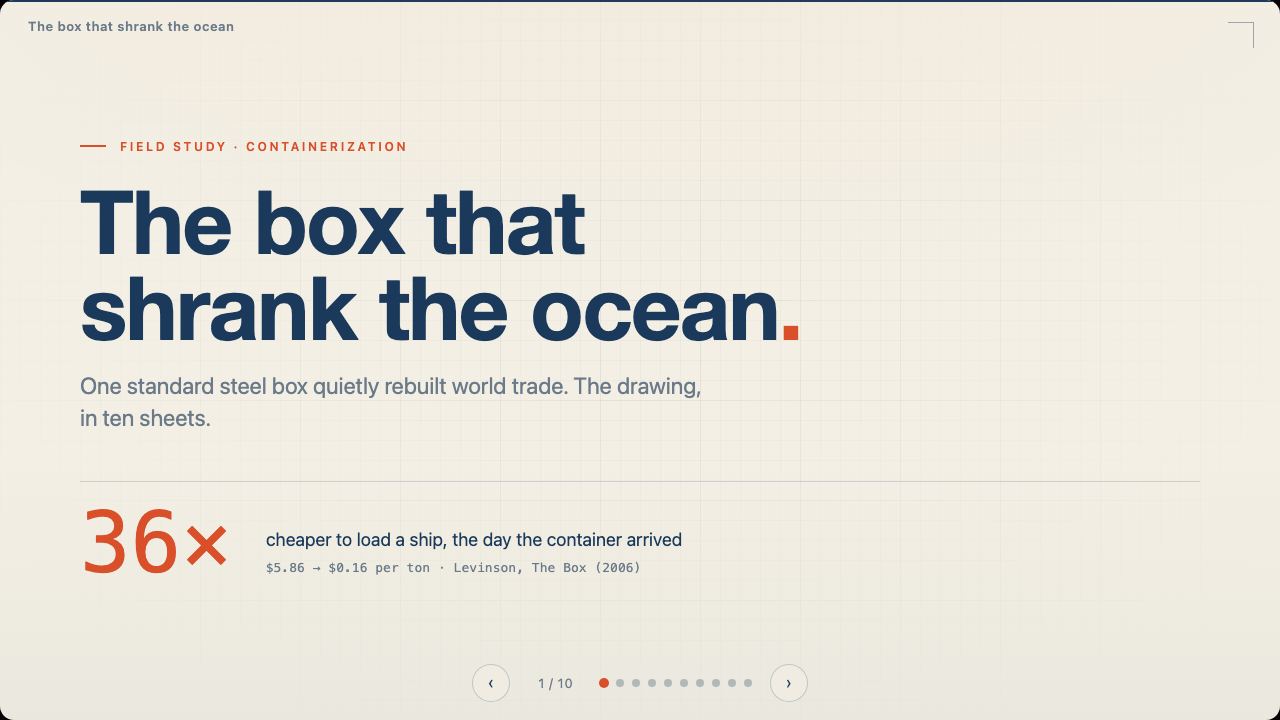
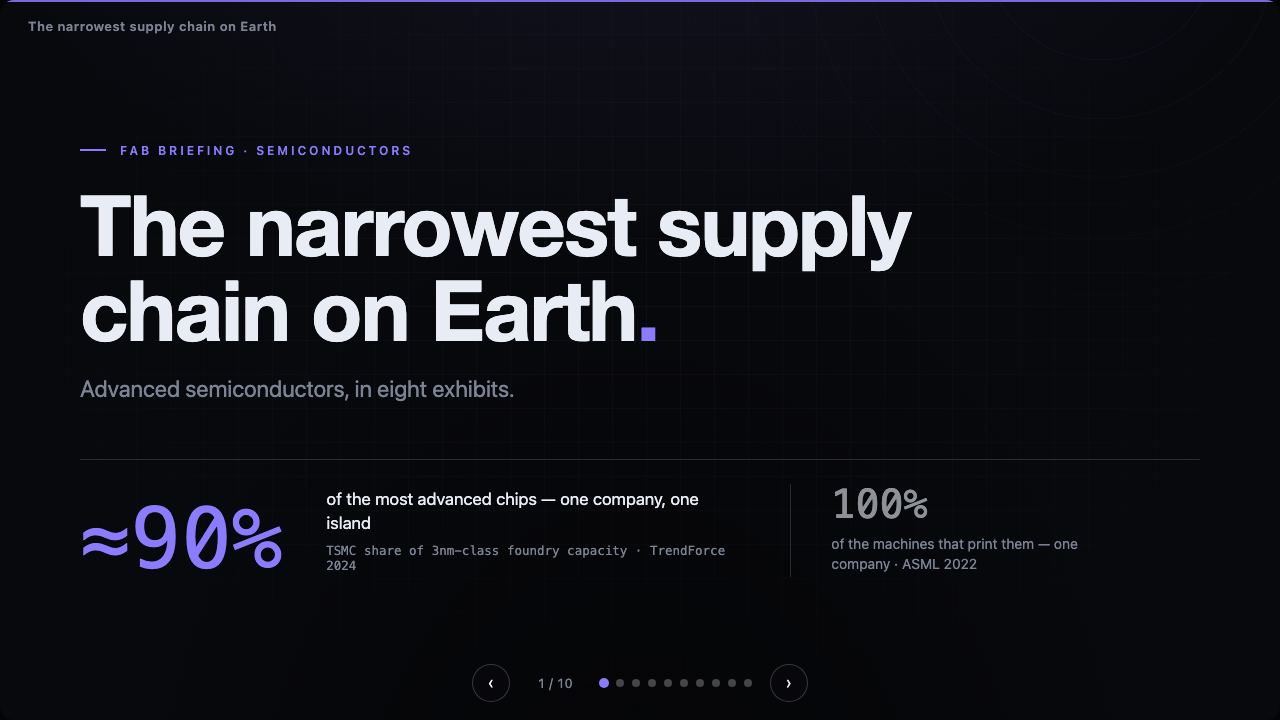
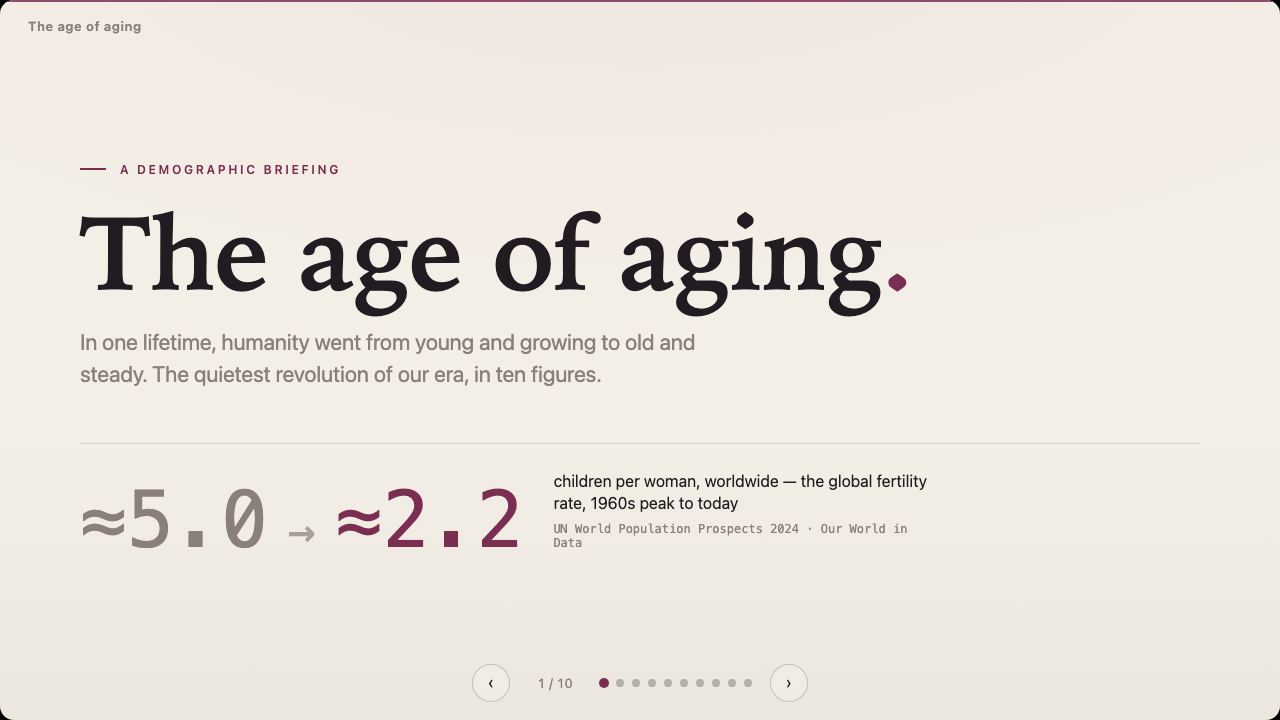
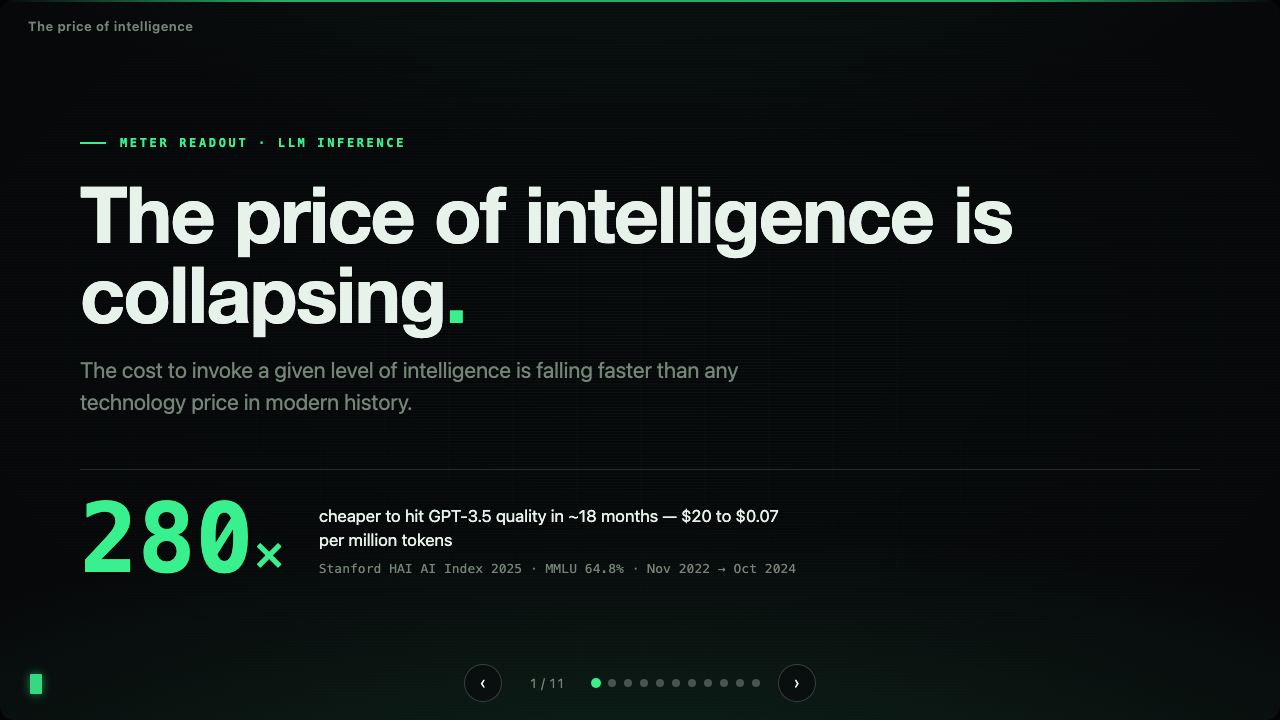
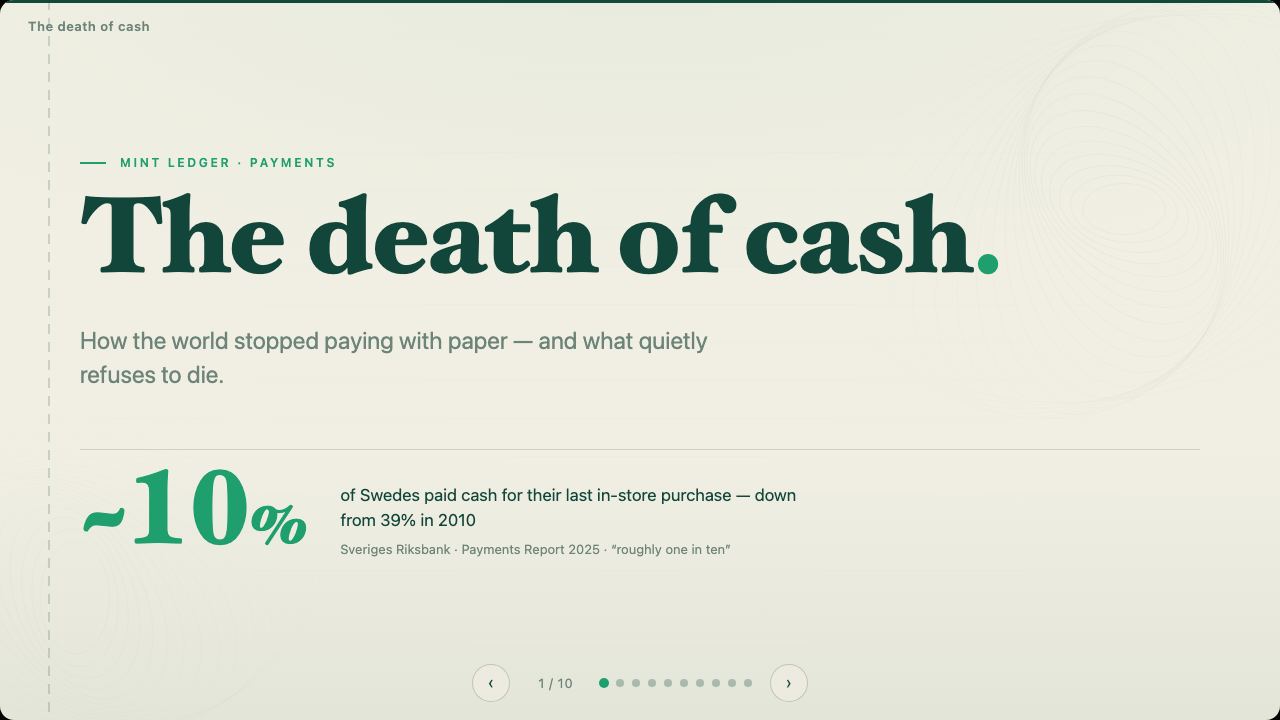
These are real decks, not screenshots.
Every tile opens in your browser, arrow keys and all. Start from one, or ask for something nobody has made yet.


“I used to make my slides in code. They were beautiful — and they lived on localhost. Sharing one meant sending a repo. cue is where those decks go: my agent writes them straight onto the platform, and they're in my pocket, on any screen, in two languages.”
Free to make. Pro to deliver. Team to run the fleet.
Author with your own agent and publish for free. You pay when a deck has to perform for someone else.
- Author with your own agent — MCP, /connect token
- Five published decks live at once, unlimited drafts
- Share by link, or invite up to ten people per deck
- Present from your phone; the room follows live
- Watch, save and keep any deck shared with you
- Per-viewer receipts, documents, screens, translation — that’s Pro
- Unlimited published decks, links and invitees
- See who opened what — per viewer, per slide
- An AI recap of every talk you give
- Present from your phone, claim any screen, register two of your own
- Every language at once, live captions + translation
- Print-grade documents, PDF and PowerPoint export
- Seats and invitee management
- Shared templates and org-wide sharing
- Screen fleets — unlimited screens, shared with your team
- SSO
Need SAML, audit logs or a single-tenant deployment? Tell us about your organisation — we build that with the first teams who need it.